Overview · Organizers & hosts · 1:31
How Subsume Works
Speak naturally while every attendee reads live captions or listens to translated audio on their own phone.
Step-by-step quick reference
- 1
Create a session with context
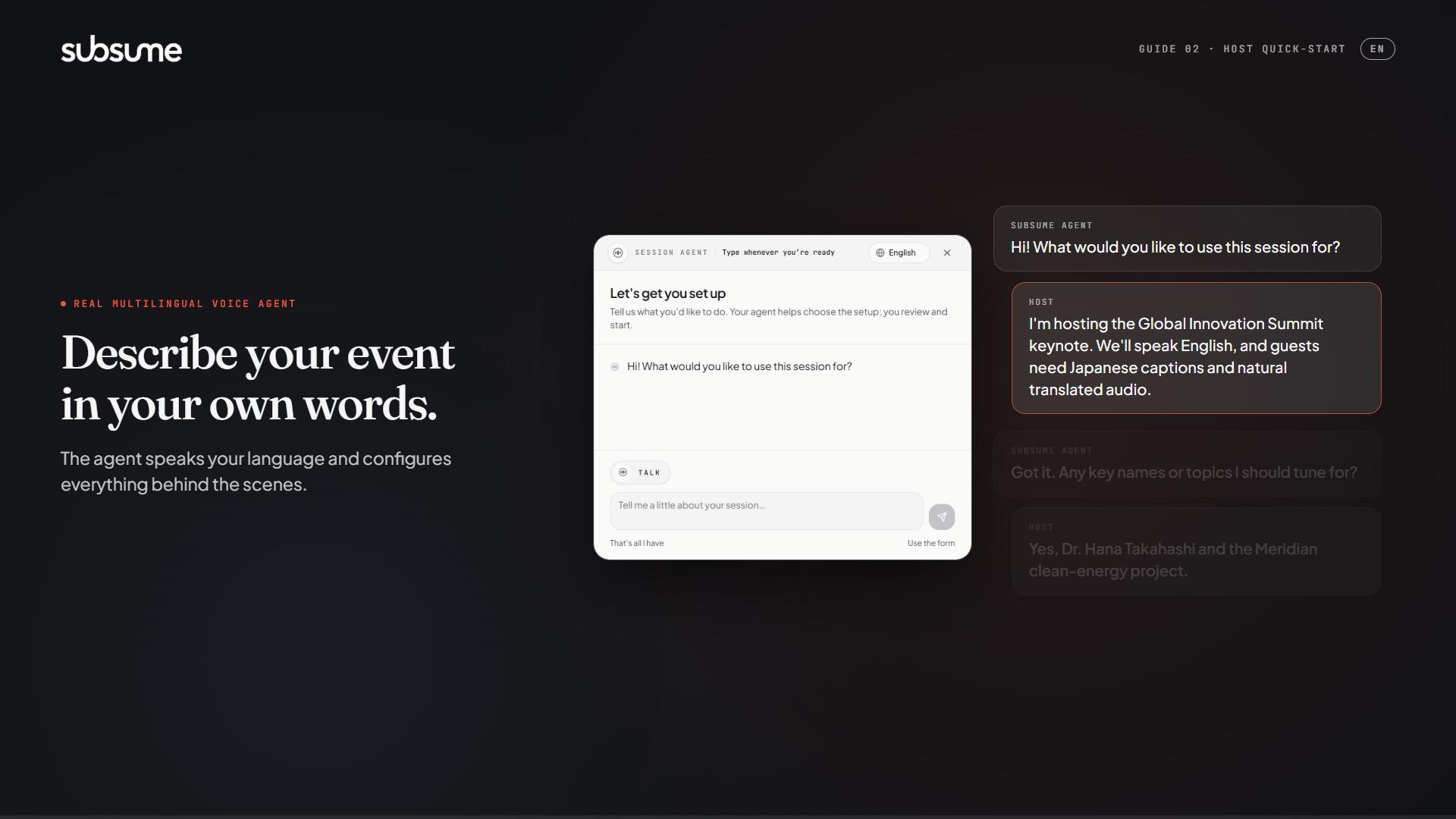
Describe your event to the Voice Setup Agent or drop in your slides, PDF agenda, or speaker list so names and terminology are tuned before you begin.
- 2
Open Studio & display the QR code
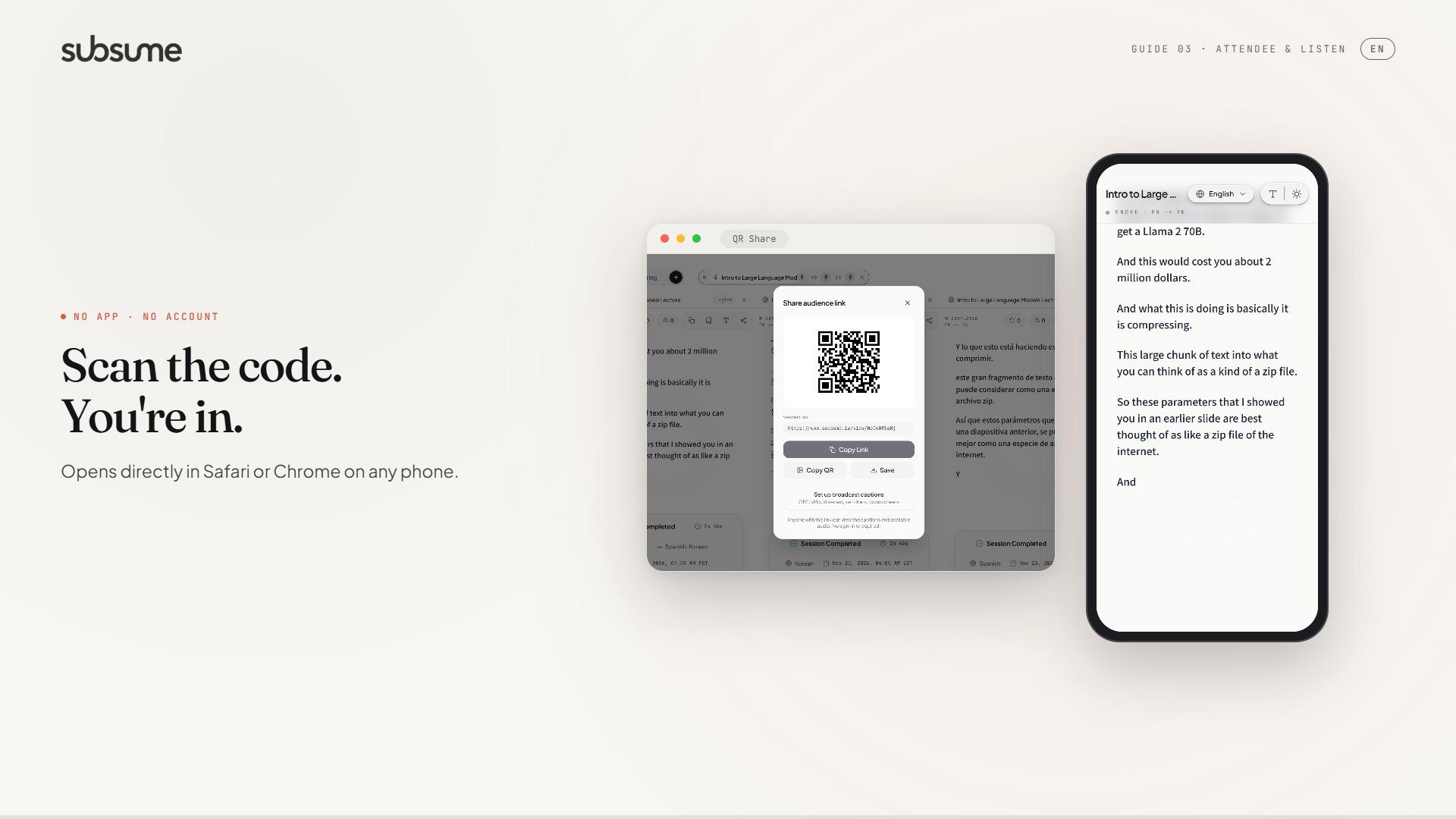
Click Share to put the QR code on screen, print it on programs, or paste the viewer link into a calendar invite.
- 3
Press Start and speak naturally
Subsume transcribes, translates, and voices your talk in real time while Translation Coach monitors terminology in the background.
- 4
Reuse one link for recurring events
Save regular meetings or lecture series as a Recurring Template to keep the same guest URL and carry learned vocabulary forward.
Good to know
- No booths, receivers, or IT setup required: a laptop microphone or mixer line-in is enough.
- Send the Attendee Guide link in advance so guests know to bring earphones if they want translated audio.
Ready to run your first session?
Open your dashboard to start by voice, or try the interactive demo in your browser.